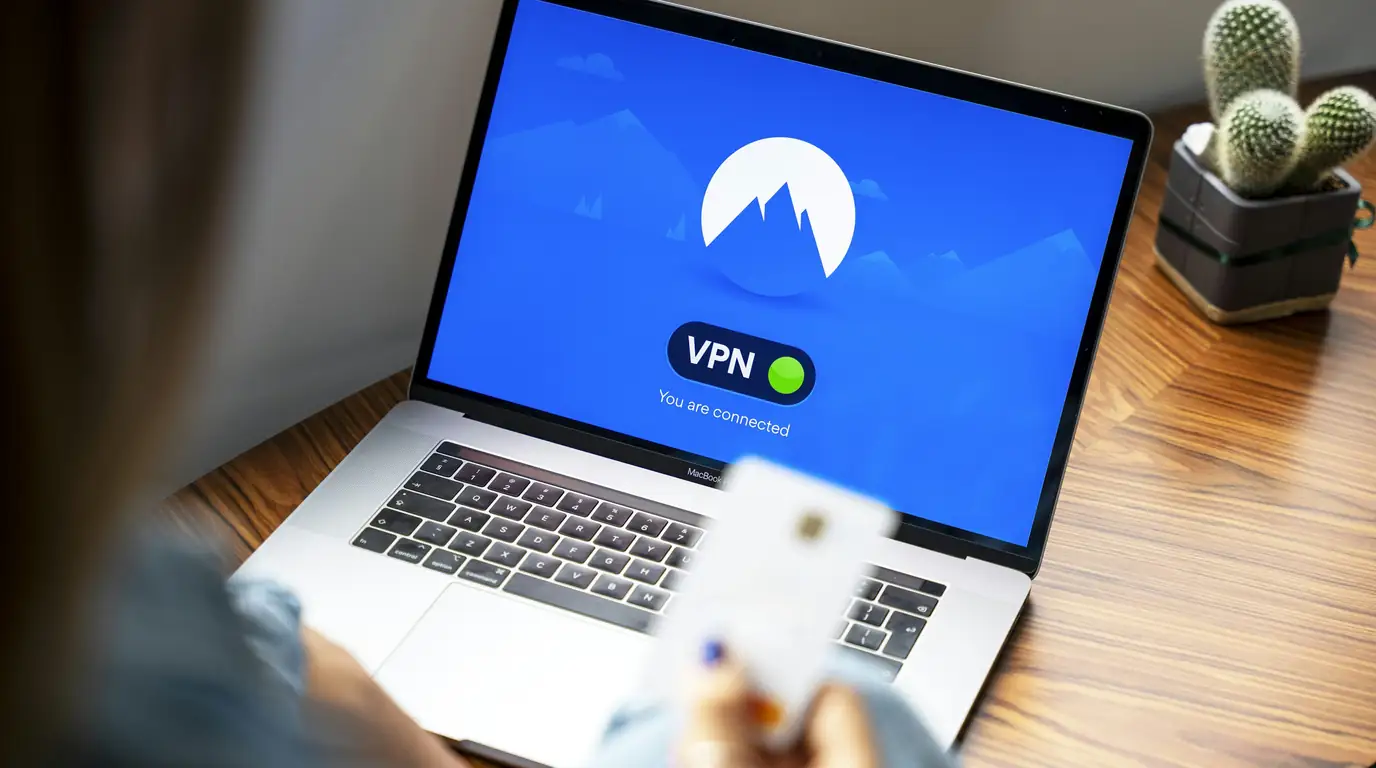
How Does NordVPN Work? What Actually Happens When You Press Connect
Researched and drafted with AI assistance from published sources; edited and published by NorwegianSpark SA.
Affiliate disclosure: This article contains affiliate links. If you click a link and buy a subscription, we may earn a commission at no cost to you. Paid placements are labelled as sponsored — read the full disclosure.
NordVPN works by encrypting your internet traffic on your own device and sending it, through your internet provider, to a NordVPN server. There it is decrypted and passed on to the website or app you wanted. NordVPN's help centre describes it in exactly those terms: "your traffic is encrypted and sent through your Internet Service Provider (ISP) to a NordVPN server, where it's decrypted and then sent to its final destination." Websites see the server's IP address instead of yours, and your provider sees only that you are connected to a VPN, not where you go.
By default the tunnel runs over NordLynx, NordVPN's protocol built around WireGuard. NordVPN's apps also send your DNS lookups to NordVPN's own DNS servers, and a kill switch can block traffic if the tunnel drops. This page walks through each of those parts, using only what NordVPN publishes in its help centre (read on 12 November 2026), and is clear about what a VPN does not do. If you want to install the app rather than understand it, our NordVPN setup guide is the page for that.
What Happens When You Press Connect
In the current apps the quick-connect button is labelled Secure my connection. NordVPN's iPhone instructions describe it as connecting "to the best available server"; you can instead pick a country or city from All locations. Then, in order:
- The app sets up an encrypted tunnel from your device to the chosen NordVPN server, using whichever protocol is selected in settings — NordLynx unless you changed it.
- Everything your device sends goes into that tunnel. Your internet provider still carries the data, but it is encrypted, and the only destination your provider can see is the NordVPN server.
- The NordVPN server decrypts the traffic and forwards it to the website or service, which replies to the server. The server sends the reply back down the tunnel to you.
- Your DNS lookups go to NordVPN's DNS servers instead of your provider's, so the names of the sites you visit stay inside the tunnel too.
On iPhone, the first time you connect, iOS asks your permission to add a VPN configuration — the prompt our guide to "would like to add VPN configurations" explains.
The Tunnel: NordLynx, OpenVPN and NordWhisper
A VPN protocol is the set of rules for building and encrypting the tunnel. NordVPN's apps offer three families, and its help centre describes each one.
- NordLynx is NordVPN's technology "built around the WireGuard VPN protocol", and it is "used by default in most of our apps". NordVPN says NordLynx adds its own "custom double NAT system for added privacy" on top of WireGuard. NordVPN is also candid that "the WireGuard protocol is still under development" and "may still contain some unresolved bugs".
- OpenVPN is the mature open-source option, available over TCP or UDP. NordVPN says it uses "AES-256-GCM with a 4096-bit DH key" and recommends OpenVPN to anyone asking which protocol is the most stable.
- NordWhisper is NordVPN's newest protocol, designed for restrictive local networks — office or campus networks, and Wi-Fi with security filtering at airports, cafés, hotels or conferences. NordVPN notes it does not work with Meshnet, Dedicated IP or Onion Over VPN servers.
For almost everyone, leaving NordLynx on is the right call. Switch to OpenVPN if you need a feature that only works with it (see Onion Over VPN below), and to NordWhisper if a network blocks the normal connection. Our VPN protocols explainer covers how these compare with the protocols other providers use.
What Your Internet Provider Sees — and What It Loses
NordVPN publishes a straightforward list. While you are connected, your internet provider can still see:
- the IP address of the NordVPN server you are connected to;
- the time you connected;
- the port your VPN protocol is using;
- how much data you send and receive;
- encrypted, unreadable data travelling between you and the server.
What it loses is the content and the destinations: the websites you visit, the specific pages and how long you spend on them, your browsing and search history, the files you download from or upload to unencrypted websites, and what you type into unencrypted websites.
The first list matters. Your provider can tell that you use a VPN, and when, and roughly how much. A VPN hides where you go, not that you are online. If hiding VPN use itself is the goal — on a network that blocks VPNs — that is what NordVPN's obfuscated servers and NordWhisper are for.
DNS: The Part People Forget
Before your device can load a website it asks a DNS server to turn the name into an IP address. If those questions went to your provider's DNS server, your provider would see every site name even with the tunnel up — the classic DNS leak.
NordVPN says its apps "automatically use NordVPN's DNS servers when connected to VPN", which "prevents DNS leaks during your VPN connection". The addresses it publishes are 103.86.96.100 and 103.86.99.100; you only need to type them in yourself if you connect with a third-party client rather than NordVPN's app.
Two cautions from NordVPN's own documentation: the apps let you set custom DNS servers instead, and NordVPN warns that doing so can cause problems with website access or streaming. And if you replace NordVPN's DNS with someone else's, that DNS operator sees your lookups. Our explainer on DNS and WebRTC leaks shows how to check that nothing is escaping the tunnel.
The Kill Switch: What Happens When the Tunnel Drops
Connections drop — when you change networks, when a phone wakes from sleep, when a server is busy. Without protection, your device may send traffic outside the tunnel for the seconds it takes to reconnect. NordVPN's kill switch works differently on each platform:
- Windows: an Internet Kill Switch cuts your internet connection when you are disconnected from NordVPN's servers, and an App Kill Switch closes the programs you choose if the VPN drops. NordVPN says the App Kill Switch is off by default.
- iPhone, iPad and the App Store version for Mac: the equivalent is called VPN bypass prevention. NordVPN says it forces all traffic covered by the VPN configuration through the tunnel and stays effective through app restarts and sleep and wake.
- Android 8.0 or later: a system-wide kill switch that blocks internet access when there is no VPN connection. NordVPN notes the kill switch is not available on Amazon Fire TV Stick.
- Linux: turned on with the command "nordvpn set killswitch on".
If you take one setting from this page, make it this one. Our VPN kill switch explainer goes into why.
Specialty Servers: Double VPN, Onion Over VPN, Obfuscated and Dedicated IP
Most of the time you connect to a standard server. NordVPN also runs specialty server groups, listed at the top of All locations in its apps:
- Double VPN routes your traffic through two VPN servers instead of one, encrypting it twice and changing your IP address twice. NordVPN says a slower connection is expected and that it "is not recommended for everyday activities".
- Onion Over VPN sends your traffic to a NordVPN server, then through the Tor (Onion) network, then to the internet, without needing Tor Browser. NordVPN says it is only available on the OpenVPN protocol. Our guide to accessing the dark web safely explains how this differs from using Tor Browser itself.
- Obfuscated servers are built to hide the fact that you are using a VPN, so you can connect where VPNs are blocked.
- Dedicated IP gives you an address no other NordVPN user shares. NordVPN says it helps with VPN blocklists and frequent CAPTCHAs; it is a paid add-on, and NordVPN notes it is not available on tvOS.
If Double VPN is missing from your server list, NordVPN's advice is to switch the protocol to OpenVPN.
Post-Quantum Encryption and Split Tunnelling
Two newer settings change how the tunnel behaves.
Post-quantum encryption is NordVPN's protection against future attacks by quantum computers. NordVPN says it works with the NordLynx protocol only, and that it is turned off when you use a dedicated IP, another protocol, obfuscated servers or Meshnet. It is available on Windows, macOS, Linux, Android, iOS, tvOS and Android TV, as a toggle in each app's settings.
Split tunnelling lets you send chosen apps outside the VPN — useful for a banking app that dislikes foreign IP addresses, or a local printer. NordVPN documents it for Windows, Android and Android TV. On Linux it offers an Allowlist instead, which excludes ports or subnets rather than apps, and NordVPN warns that allowlist rules apply to both incoming and outgoing traffic. Anything you exclude is, by definition, not protected by the VPN.
What NordVPN Says It Keeps About You
NordVPN's help centre states that it "does not log any of your activity online" and lists what it does keep: your email address (for account messages and password recovery), a username to establish the VPN connection, and payment information — specifically the transaction or order ID, kept in case you ask for a refund. It says your account "is not linked with any activity you have done when connected to a VPN", and that under its no-logs policy it "would be unable to provide any relevant information in case of a valid court order". That information can be deleted when you delete your account.
A no-logs claim is only as good as the independent checks behind it. Our NordVPN review covers the outside audits of that policy, and our VPN no-logs policy guide explains what such an audit can and cannot prove.
What NordVPN Does Not Do
Knowing the mechanism also shows the limits.
- It does not make you anonymous to accounts you sign in to. If you log in to Google, Amazon or a social network over the VPN, that service knows it is you; it simply sees a NordVPN IP address instead of your home one.
- It does not hide that you use a VPN from your provider, as NordVPN's own list above shows — unless you use obfuscation.
- It does not protect traffic you send outside the tunnel, whether through split tunnelling, an allowlist, or a connection drop with the kill switch off.
- It does not decide what happens after the NordVPN server. Traffic to a site without HTTPS is readable again once it leaves the server, which is why NordVPN's own list of what it hides refers to unencrypted websites.
NordVPN's apps also carry extras that are not part of the VPN tunnel — on iPhone, a Real-time protection option for DNS filtering that NordVPN says blocks malicious domains and intrusive ads, and a Dark Web Monitor that alerts you if your credentials leak. They are useful, but they are separate features. Our VPN privacy guide sets out what any VPN does and does not protect.
How to See It Working on Your Own Device
You do not have to take any of this on trust. Connect to NordVPN, then open our connection checker: the IP address and location shown should be the server's, not yours. Then follow how to check your VPN is working for the DNS, WebRTC and reconnect checks that catch the less obvious failures.
If you are deciding whether to buy, our NordVPN review weighs it against the alternatives, or you can see NordVPN's current plans. If you want a provider with unlimited devices instead, compare Surfshark's plans.
Sources
NordVPN Help Center articles, each read on 12 November 2026 (last-updated dates as shown by NordVPN): "Different NordVPN server categories explained" (19479130821521, updated 12 Nov 2026 — encryption path, specialty servers, Double VPN speed note, Onion Over VPN on OpenVPN only, Dedicated IP); "What is NordLynx" (19564565879441, 31 Oct 2026); "WireGuard connection on NordVPN" (51264943286545, 12 Nov 2026 — NordLynx double NAT); "Which NordVPN protocol should I choose" (19482810153745, 11 Nov 2026 — OpenVPN AES-256-GCM with 4096-bit DH key, NordLynx default, NordWhisper); "What does ISP see when I'm using NordVPN?" (19588855566097, 29 Oct 2026); "What are NordVPN DNS server addresses?" (19587726859793, 11 Nov 2026); "NordVPN Kill Switch: how does it work" (19509682644369, 9 Nov 2026); "NordVPN Post-quantum encryption explained" (30046321712529, 19 Oct 2026); "What is Split Tunneling and how to use it with NordVPN?" (19618692366865, 9 Nov 2026); "What information does NordVPN store?" (19744151372945, 9 Nov 2026); "How to download and install the NordVPN app on an iPhone or iPad" (19451338152849, 11 Nov 2026 — Secure my connection, Real-time protection, Dark Web Monitor, custom DNS warning). nordvpn.com itself refused our automated request on 12 November 2026, so no figures from its marketing pages are used here.
Frequently Asked Questions
How does NordVPN work, in simple terms?
The app encrypts your traffic on your device and sends it through your internet provider to a NordVPN server, where it is decrypted and passed on to the site you wanted. Sites see the server's IP address, and your provider sees only that you are connected to a VPN.
What protocol does NordVPN use?
NordLynx by default in most of its apps — NordVPN's technology built around WireGuard with its own double NAT system. OpenVPN over TCP or UDP and NordWhisper, for restrictive networks, are the alternatives in settings.
Can my internet provider see what I do on NordVPN?
No, not the content or destinations. NordVPN says your provider can still see the VPN server's IP address, when you connected, the port in use and how much data you send and receive — but not the websites or pages you visit.
Does NordVPN keep logs?
NordVPN says it does not log your online activity. It keeps your email address, a username for the VPN connection, and the transaction or order ID of your payment for refunds, and says it could provide no relevant information in response to a court order.
Does NordVPN hide my DNS requests?
Yes, when you use its apps. NordVPN says they automatically use NordVPN's own DNS servers, 103.86.96.100 and 103.86.99.100, while connected, which prevents DNS leaks. Setting custom DNS in the app changes that.
Is the NordVPN kill switch on by default?
It depends on the platform and the type. On Windows, NordVPN says the App Kill Switch is off by default; on iPhone, iPad and the App Store Mac app the equivalent is VPN bypass prevention, managed in Settings. Check it is on after you install.
Also worth comparing
Other providers we recommend for this topic. Sponsored links — we may earn a commission at no extra cost to you.
VPNTex is published by NorwegianSpark SA (Org no: 834 984 172). We may earn commissions on qualifying purchases via affiliate links. Full disclosure · Privacy policy